Microsoft 365 Copilot is quietly shifting from “chat assistant” to agentic work inside the apps we already use.
In the February 2026 updates, Microsoft highlighted improvements across Copilot Chat, Teams, Outlook, Word, PowerPoint, and OneDrive. The common direction is clear: more grounding on real work context, and more agents that operate across files and workflows.
What stands out (and why it matters for Higher Ed):
1) Word: Copilot can edit documents by default
Instead of just suggesting text, the default Copilot experience in Word now supports direct document edits (reviewable and reversible). For lecturers and programme teams, this is useful for polishing rubrics, course guides, policy drafts, and student-facing instructions faster.
2) PowerPoint: “Edit with Copilot” becomes more agentic
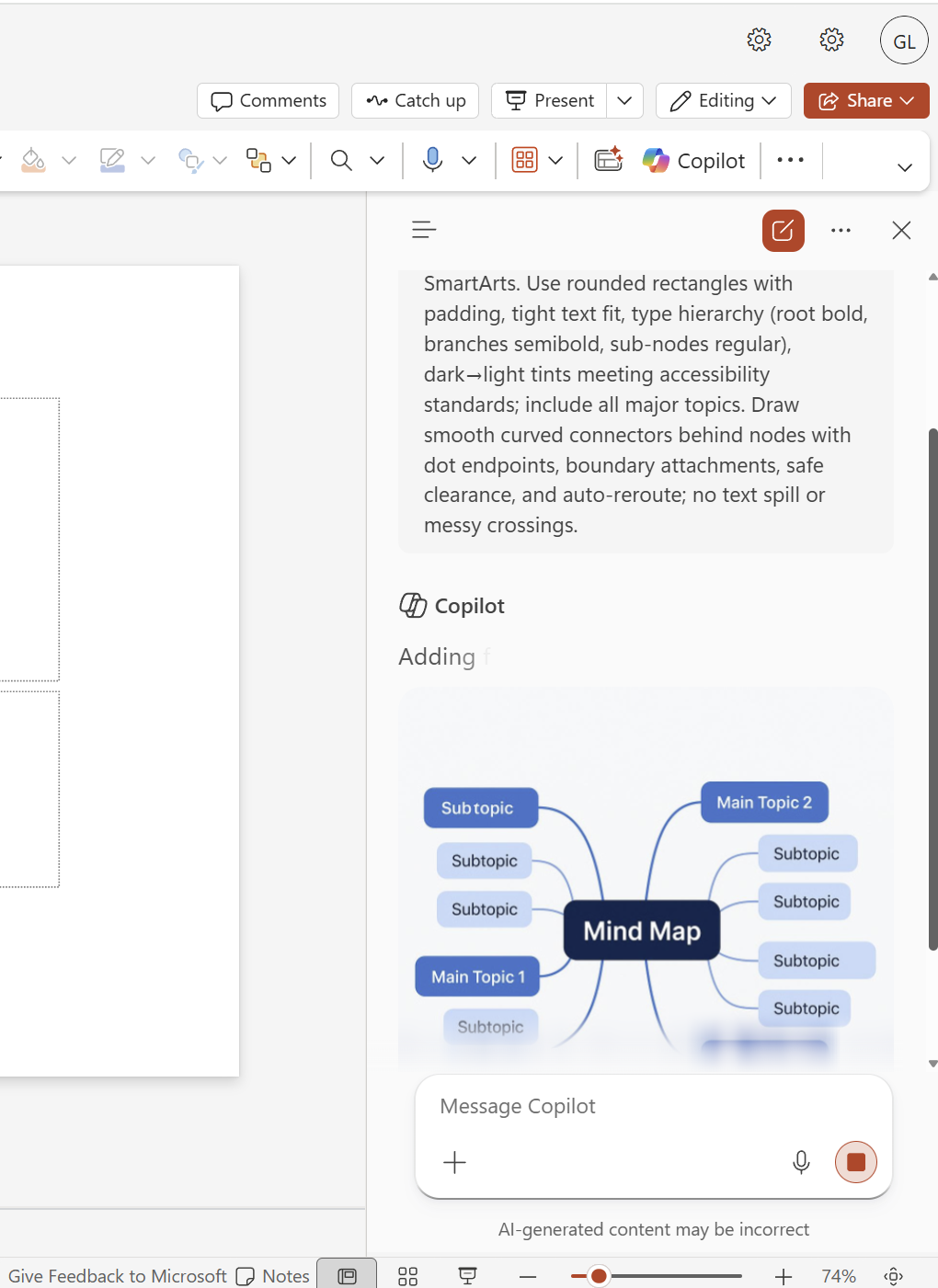
Copilot in PowerPoint on the web is positioned to create and refine slides through conversation while preserving formatting and branding, and it can draw from files, meetings, and emails to shape content. This is exactly the workflow lecturers want: outline → slides → refine, without rebuilding from scratch.
3) OneDrive: Agents can be built around sets of documents
This is big for Higher Ed operations. You can create an agent that “knows” a folder of related documents (module files, meeting minutes, QA evidence, project docs) and answers based on that collection, instead of asking file-by-file. Senang cerita: less hunting, more decision-making.
4) Teams meeting recaps get smarter (including visuals + recap templates)
AI meeting recaps can now include key on-screen moments when screen sharing happened, and recap templates can be customised (including custom formats). This is useful for curriculum meetings, accreditation discussions, programme reviews, and any committee work where decisions are tied to what was presented.
5) Outlook: Copilot improves meeting scheduling and prep
Copilot can recommend meeting slots to maximise availability, schedule meetings directly from an email thread, and support richer meeting preparation (especially in classic Outlook). For academics, this is very practical for coordinating panels, vivas, programme meetings, and industry engagements.
Overall, February’s updates feel like Microsoft is pushing Copilot to become a workflow layer across documents, slides, meetings, and file repositories. For universities, the biggest gain isn’t “AI writing.” It’s AI reducing coordination cost so teams can spend time on teaching quality, student support, and academic decisions.