Google Forms has started integrating Gemini-assisted summarisation for open text responses (short answer / paragraph). For lecturers, this is a practical workload reduction feature that can improve teaching decisions, especially when you use open-ended prompts for reflections, exit tickets, or course feedback.
Key operational details worth knowing:
- Summaries are available on desktop and currently in English.
- Summaries are generated when there are 3–200 responses.
- It does not generate summaries for quiz responses, and it avoids summarising direct personal fields like names/addresses.
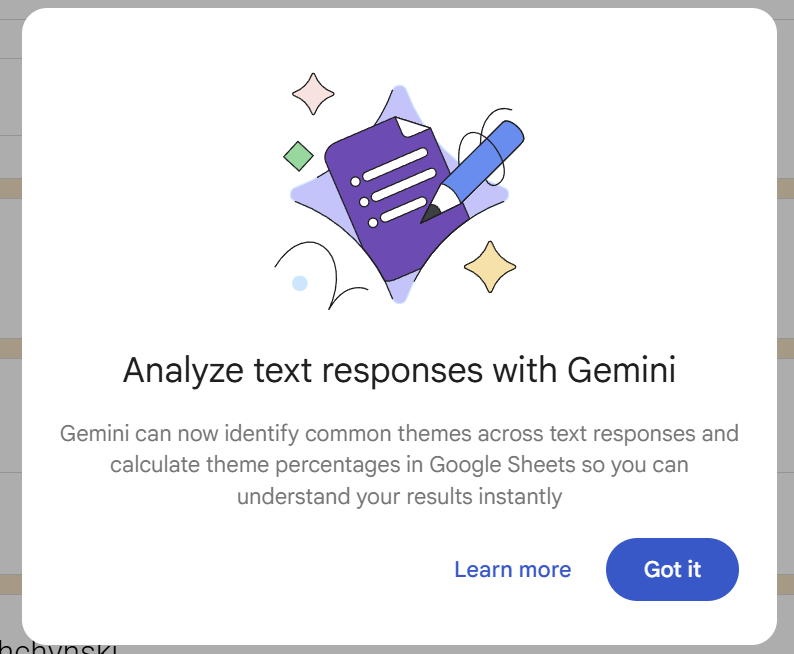
What’s new and particularly useful from an educational technology perspective is moving beyond “a summary” into quantitative insight. Form editors can use “Show theme percentages” to categorise responses into themes and view counts and a percentage chart across themes.
Higher education use cases where this becomes genuinely instructional (not just administrative):
- Weekly exit tickets to identify misconceptions and re-plan tutorials quickly
- Mid-semester feedback to prioritise improvements based on theme distribution
- Reflection prompts that surface learning barriers (process steps, evidence use, reasoning gaps)
The quality of insight depends heavily on question design. In practice, one well-constructed open-ended question often produces better actionable themes than many generic questions. Senang cerita: better prompts, better data, better teaching decisions.